
Support
Help for HotelMate
Need help with setup, subscriptions, hotel activation, or everyday app usage? We’re here to help.
Whether you are setting up HotelMate for the first time or need help along the way, our support team is ready to assist you.
Before contacting us, we recommend checking the FAQ below. You may find the answer you’re looking for. Otherwise, don't hesitate to contact us!
FAQ
Frequently asked questions
Everything you need to know about setup, staff access, room status, and daily use of HotelMate.
HotelMate is a hotel management app that keeps housekeeping, reception, and maintenance in sync with real-time room status updates and team communication.
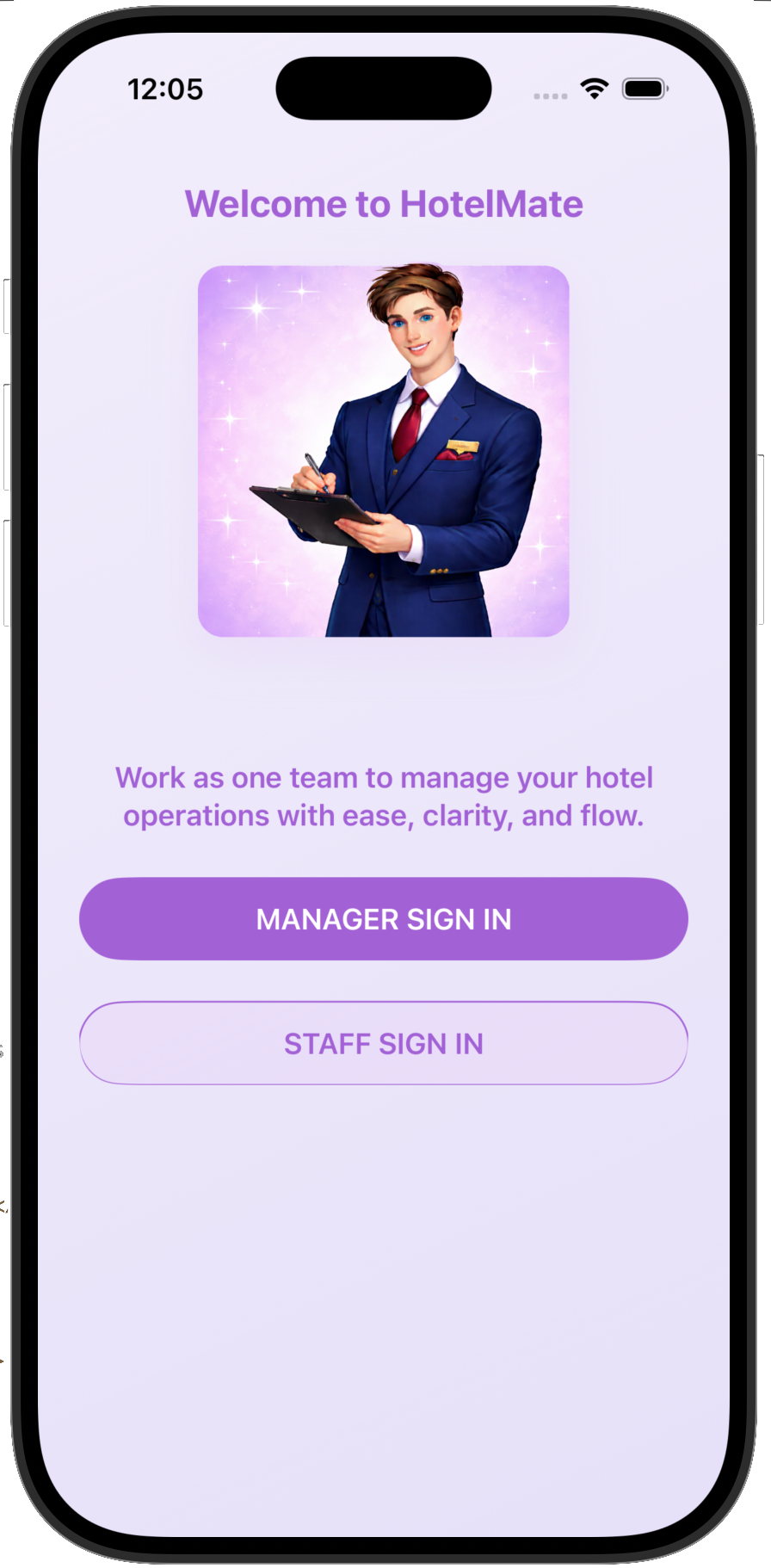
Yes, it is free to download. But to use HotelMate, a hotel owner/manager etc needs to subscribe to the app before the staff can start using it. The process is: the owner/manager subscribes to the app, sets up the hotel (id, settings etc) and then adds all the staff. That person assigns the staff with a 4-digit code that must be sent to the staff (email or similar). The staff can then easily download the app and click on "Staff sign in", enter the hotel ID and their 4-digit code. That's it! They can start using the app immediately, without paying anything! So the total cost for a hotel is only $99/month.
Not right now, it only supports iOS currently. But an Android version is on its way!
HotelMate is designed for hotel teams, including managers, housekeeping staff, reception, and maintenance teams.
Yes. An internet connection is recommended for syncing updates across staff and devices in real time.
The first time you download the app, a manager sets up the hotel by creating a hotel ID and a 4-digit PIN. Managers then sign in using those credentials.
Staff members sign in using the hotel ID and their personal 4-digit PIN created by the manager.
Please ask your manager to reset your PIN in the staff settings.
Yes. Each staff member can have their own login. There are no limits on users or devices.
The hotel ID is a unique code used by your team to access your hotel workspace in HotelMate.
A manager activates a subscription, sets up the hotel profile, and invites staff to join the system.
Open a room and update its status (cleaned, in progress, needs attention, etc.) with a single tap.
Yes. Room updates are instantly visible to all staff across the system.
No. A subscription must be active before the hotel can be fully set up and used.
Yes. Managers can upload and update the hotel logo.
Please check that the hotel ID is correct and that the PIN is correct.
The hotel ID may be incorrect, or the hotel setup may not have been completed yet. Check with a manager.
The code may be expired, entered incorrectly, or already used.
Contact
Get in touch
Need help with setup, subscriptions, or hotel activation? Reach out and we’ll get back to you as soon as possible.
Email: info@theappmill.com
Website: The AppMill